Your download is almost ready
Download starts in 5 s.
If the download does not start, use the button below.
Download now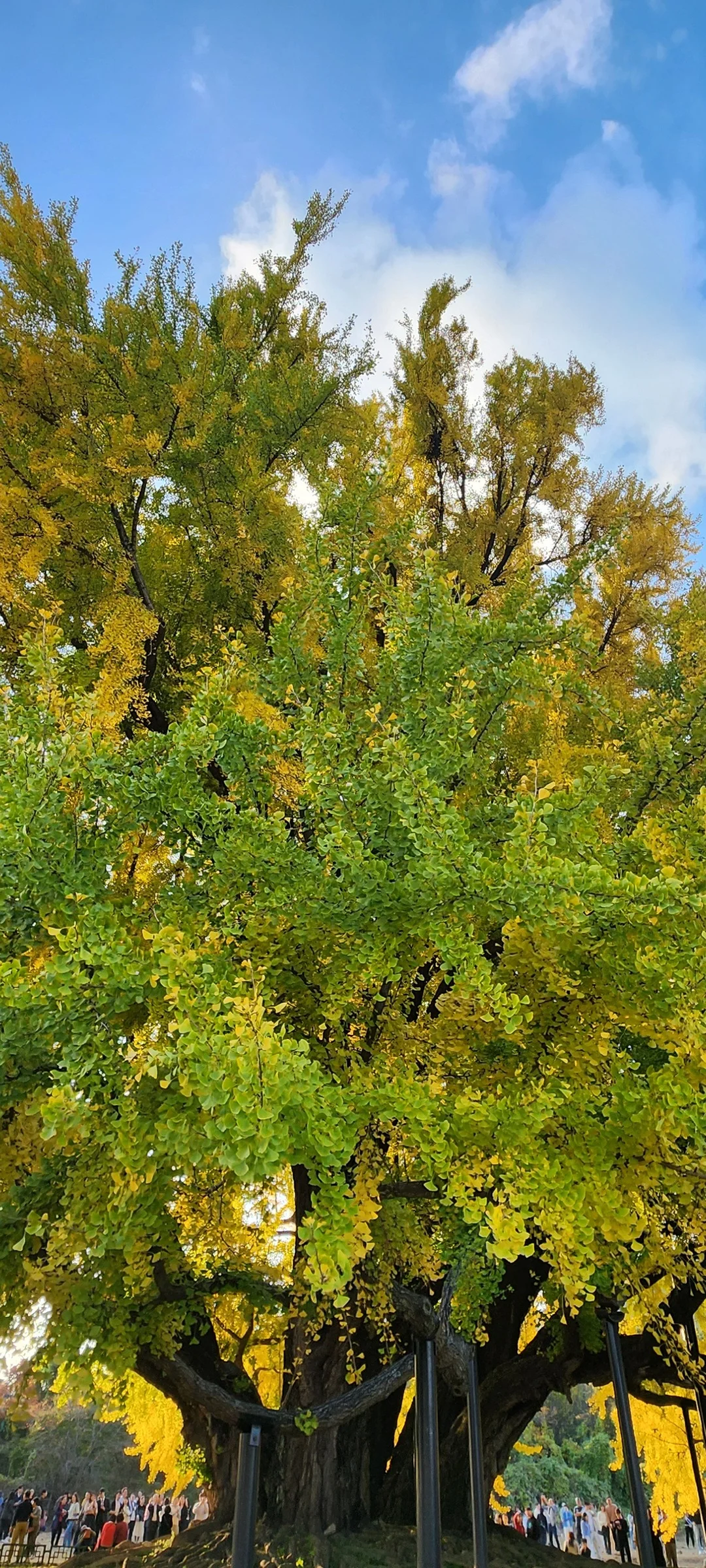
Original file: korean-wallpaper-nature-152.jpg
Back to the photo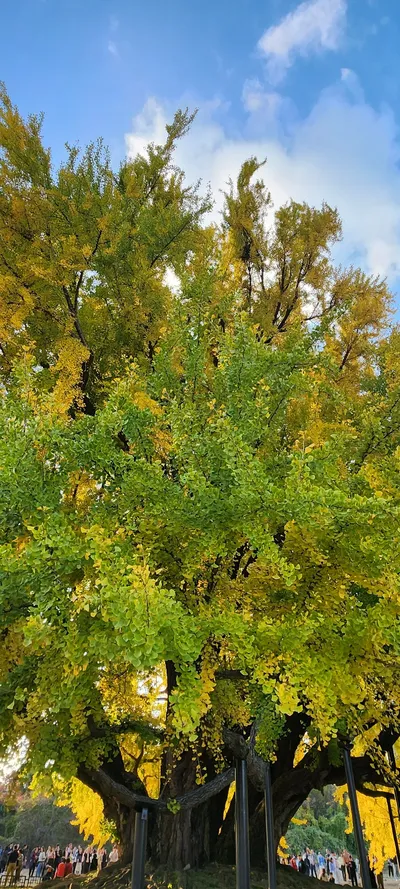
About this photo
Photographed at Yeowon-ro, Wonju-si in November 2024
A Wonju ginkgo tree is photographed from a low angle that includes more of the trunk and the full sweep of the canopy against a blue sky with scattered white clouds. More green remains in this view, which suggests the tree's northern or shaded face where autumn arrives a few days later. The foliage runs from green at the base of the canopy through chartreuse in the middle to golden yellow at the top, a natural vertical gradient with color changing from the sun-exposed extremities inward. Several thick branches are visible, their dark forms cutting lines through the colorful foliage. Small figures of visitors stand at the base, dwarfed by the tree's scale. The balanced framing shows both the monumental size of the ancient tree and the full range of its early November color. The tree stands in Wonju along Yeowon-ro, and the photograph was taken on November 3, 2024. Its leaves show green, chartreuse, and gold at once, and the white clouds drift slowly behind the crown.
Setting it as your wallpaper
On a phone, open the saved photo in your gallery or Photos app and choose the wallpaper option from the share or more menu.
On a computer, open the desktop background settings and pick the downloaded file.
Personal use
The photo is free to use as a wallpaper on your own devices. Selling, redistributing or using it in commercial work is not allowed. Terms of use