Your download is almost ready
Download starts in 5 s.
If the download does not start, use the button below.
Download now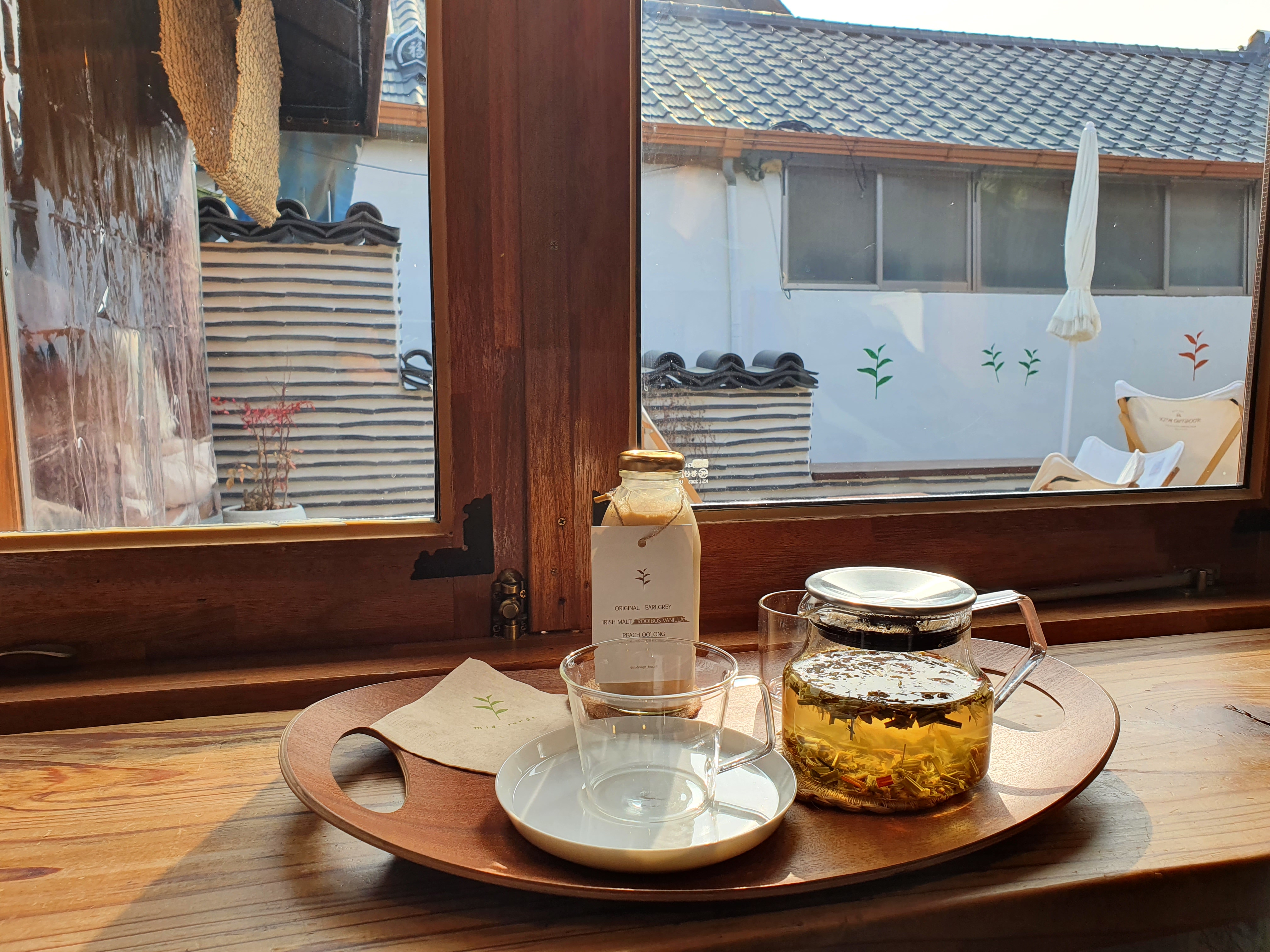
Original file: korean-desktop-wallpaper-cafe-culture-1122.jpg
Back to the photo
About this photo
Photographed in January 2022
A tea cafe window seat offers an intimate winter vignette, where a glass bottle of milk tea with a minimalist leaf-motif label sits beside a clear glass teacup and saucer on a warm wooden counter. The bottle lists flavor options - Original, Earl Grey, Irish Malt, Rooibos Vanilla, Peach Oolong - in clean typography, suggesting the careful curation typical of Korea's specialty tea culture. Through the wood-framed window with its brass latch hardware, a traditional Korean hanok rooftop with gray ceramic tiles is visible just outside, its stepped profile and whitewashed wall placing the cafe squarely in a historic neighborhood. A glass teapot filled with golden blooming tea catches the afternoon light on the right side of the frame. The scene encapsulates the distinctly Korean fusion of traditional architecture and contemporary beverage culture, where centuries-old neighborhoods have been reimagined as settings for slow, aesthetic consumption.
Setting it as your wallpaper
On a phone, open the saved photo in your gallery or Photos app and choose the wallpaper option from the share or more menu.
On a computer, open the desktop background settings and pick the downloaded file.
Personal use
The photo is free to use as a wallpaper on your own devices. Selling, redistributing or using it in commercial work is not allowed. Terms of use