Your download is almost ready
Download starts in 5 s.
If the download does not start, use the button below.
Download now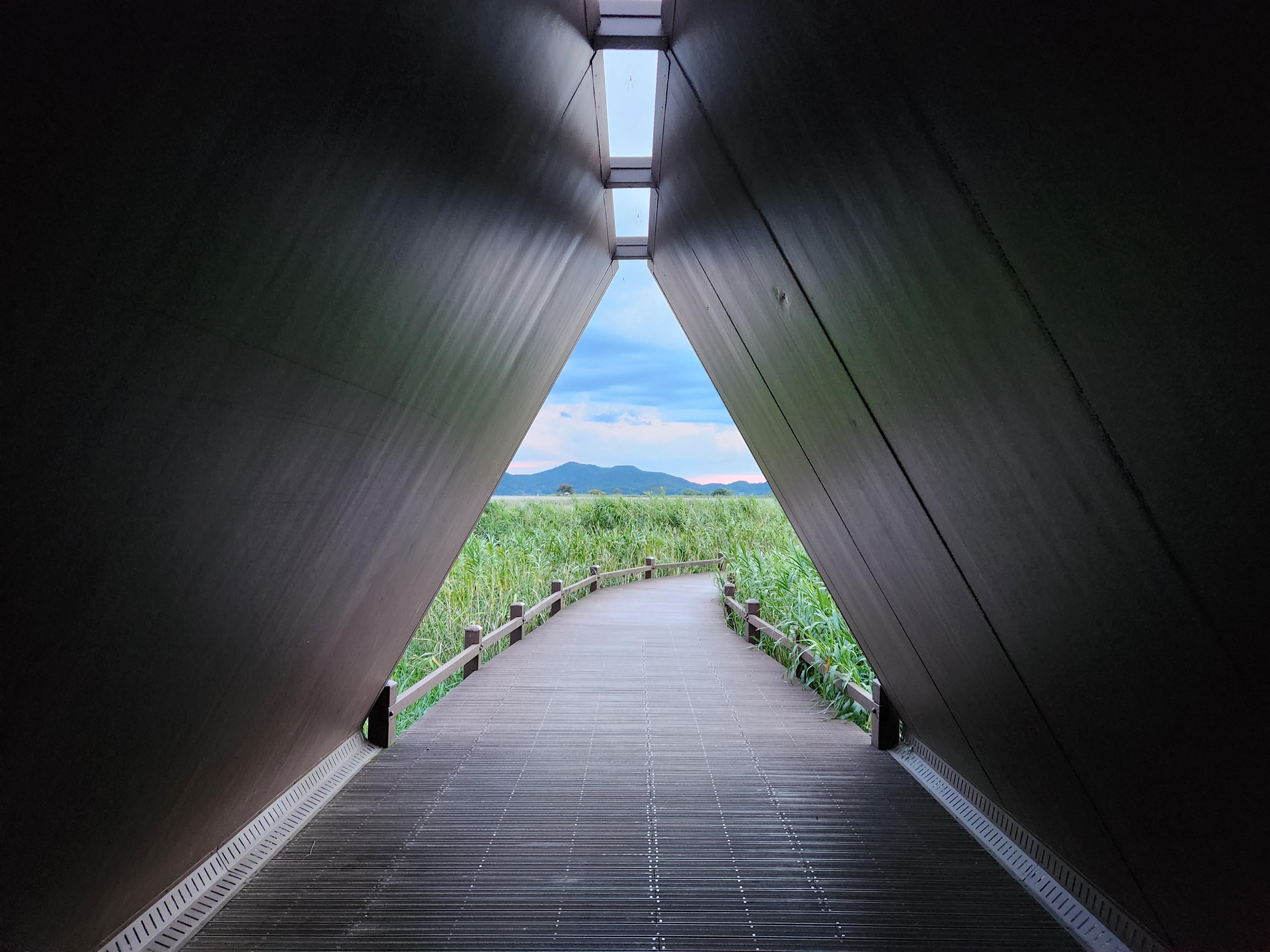
Original file: korean-desktop-wallpaper-nature-711.jpg
Back to the photo
About this photo
Photographed at Suncheon-si in September 2025
Inside a triangular timber shelter in Suncheon-si, the view runs deep into a darkened tunnel that frames the wetland landscape beyond like a portal. The inverted V-shaped walls of dark-stained wood panels converge overhead, their surfaces catching subtle ambient light that reveals the grain and texture of the timber. A series of rectangular skylights cut into the peaked roof makes a rhythmic pattern of bright slots against the dark ceiling, lighting the upper reaches of the structure while leaving the lower walls in deep shadow. The wooden boardwalk extends from the shelter floor through its triangular opening and continues into the vast reed field, where green marsh grasses rise on both sides behind simple wooden railings. Through the opening, a single mountain peak sits centered on the horizon beneath a sky of broken clouds with hints of pink and blue. The composition is strongly symmetrical and deep, with the architectural framework acting as a viewfinder for the wetland scenery at the end of the path.
Setting it as your wallpaper
On a phone, open the saved photo in your gallery or Photos app and choose the wallpaper option from the share or more menu.
On a computer, open the desktop background settings and pick the downloaded file.
Personal use
The photo is free to use as a wallpaper on your own devices. Selling, redistributing or using it in commercial work is not allowed. Terms of use