Your download is almost ready
Download starts in 5 s.
If the download does not start, use the button below.
Download now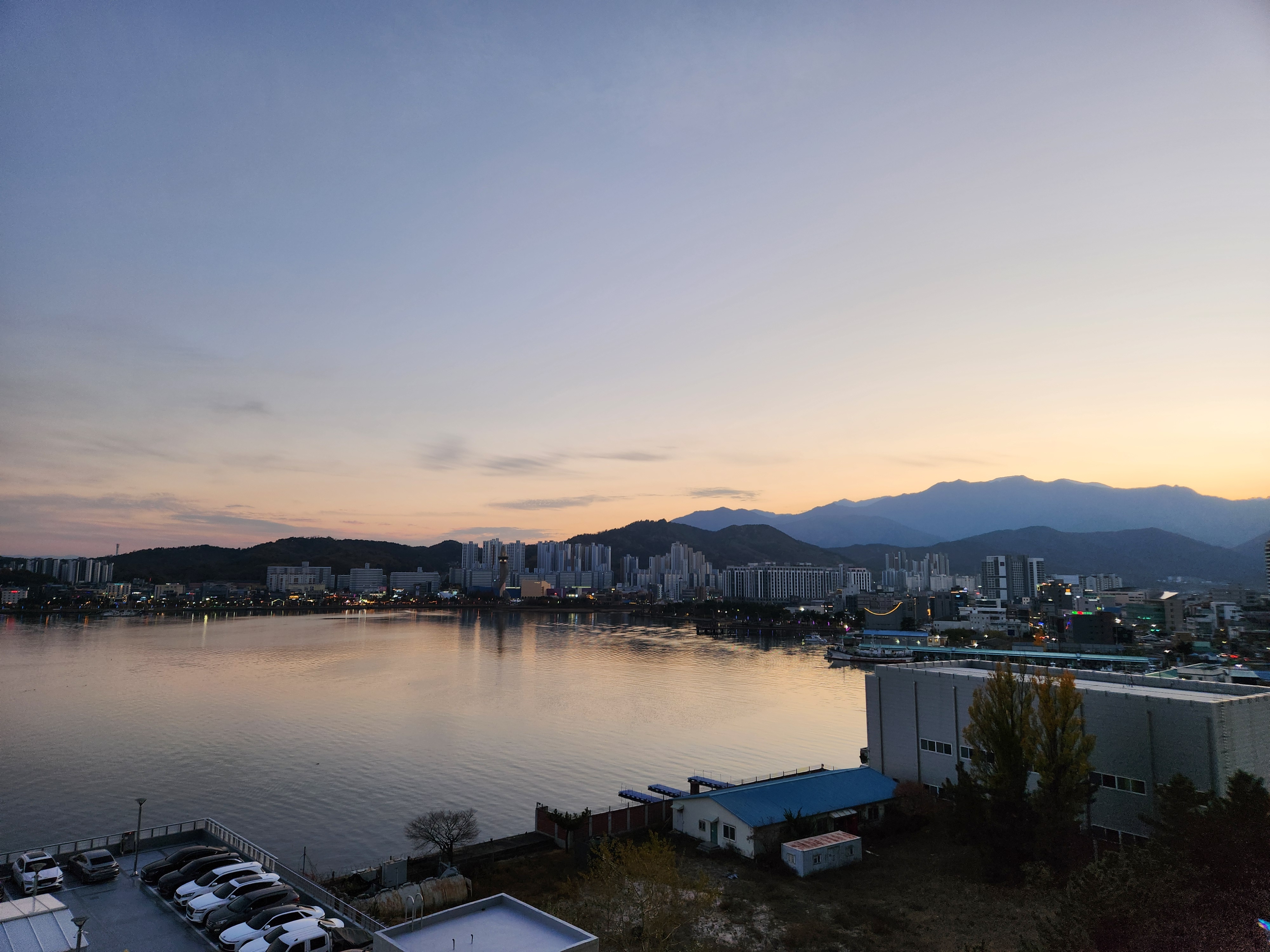
Original file: korean-desktop-wallpaper-sea-826.jpg
Back to the photo
About this photo
Photographed at Sokcho-si, Gangwon-do in November 2025
The coastal city of Sokcho in Gangwon-do stretches along the waterfront in the warm glow of sunset, with the calm harbor waters reflecting the soft peach and gold tones of the fading sky. A cluster of modern apartment towers and mid-rise buildings lines the far shore, their pale facades catching the last warm light of the day against the mountain backdrop. The Seoraksan mountain range rises behind the city in layered silhouettes of deep blue and purple, its rugged peaks adding elevation to the otherwise horizontal composition. In the foreground, industrial and commercial buildings with blue-roofed warehouses sit along the near shore, while a few autumn-touched trees add spots of golden color to the lower right corner. The harbor water is remarkably still, giving clear, near-perfect reflections of the buildings and sky that double the sunset colors. It is a transitional moment between day and night, with mountain, city, and coast in a single panoramic view at the end of an autumn day.
Setting it as your wallpaper
On a phone, open the saved photo in your gallery or Photos app and choose the wallpaper option from the share or more menu.
On a computer, open the desktop background settings and pick the downloaded file.
Personal use
The photo is free to use as a wallpaper on your own devices. Selling, redistributing or using it in commercial work is not allowed. Terms of use