Your download is almost ready
Download starts in 5 s.
If the download does not start, use the button below.
Download now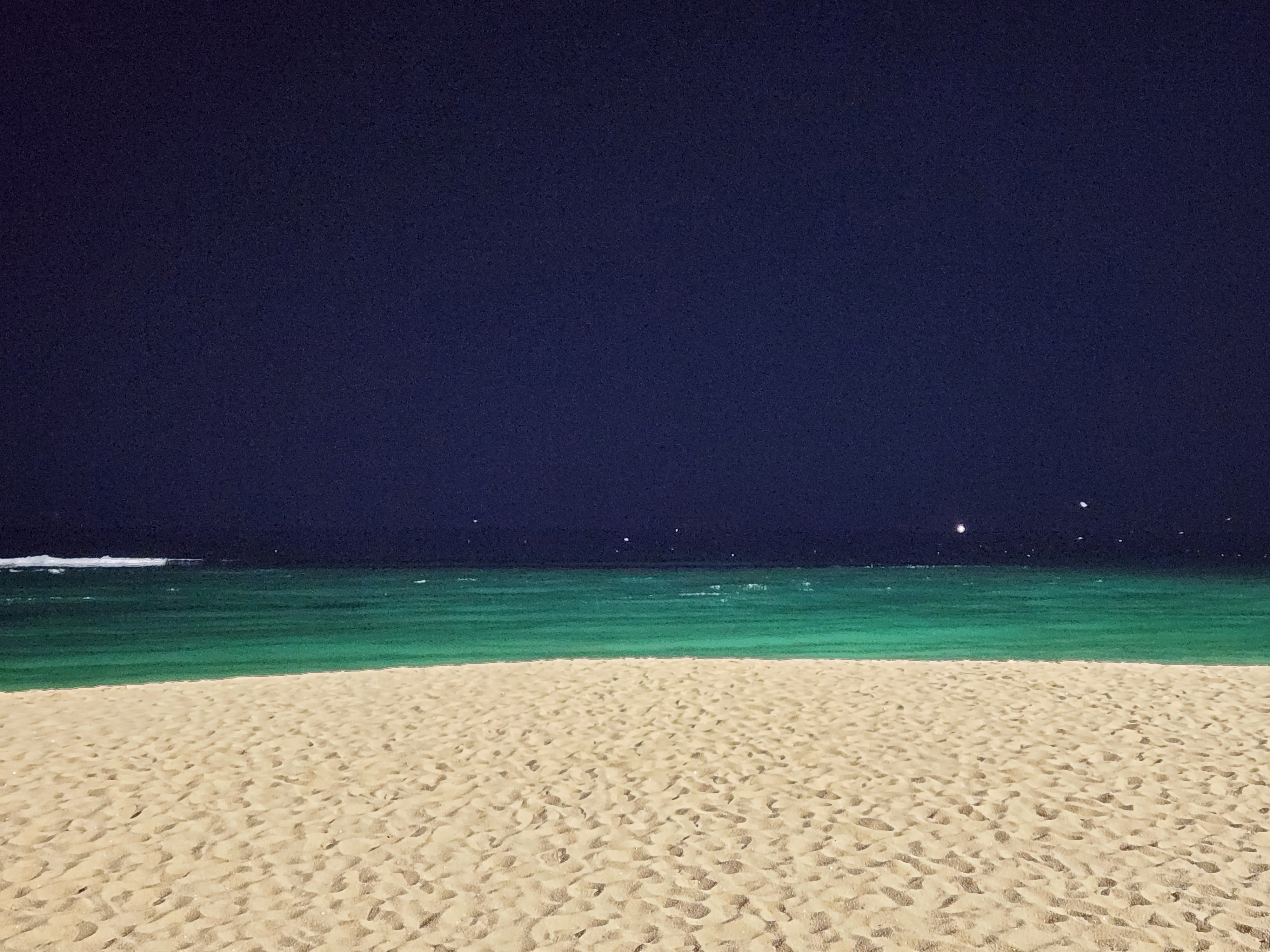
Original file: korean-desktop-wallpaper-sea-564.jpg
Back to the photo
About this photo
Photographed at Cheonghohaean-gil (Donghaean Bicycle Path), Cheongho-dong, Sokcho-si in December 2024
Late at night on Cheonghohaean-gil along the Donghaean Bicycle Path in Sokcho, the East Sea becomes an immense dark presence beyond the illuminated coastal promenade. Artificial light from streetlamps and nearby buildings casts warm amber pools along the seawall, their glow abruptly swallowed by the darkness of open water just meters away. Sokcho's Cheongho-dong neighborhood is known for seafood restaurants and small hotels that serve the beach tourism trade, but in mid-December the crowds have gone and the coastal road belongs to the occasional late-night walker. The sound of waves breaking against the rock seawall would be the dominant sensory element - rhythmic, persistent, and unchanged whether anyone is listening or not. A faint band of lighter sky near the horizon suggests reflected city light from distant coastal settlements, the only evidence that civilization continues along the dark shoreline.
Setting it as your wallpaper
On a phone, open the saved photo in your gallery or Photos app and choose the wallpaper option from the share or more menu.
On a computer, open the desktop background settings and pick the downloaded file.
Personal use
The photo is free to use as a wallpaper on your own devices. Selling, redistributing or using it in commercial work is not allowed. Terms of use