Your download is almost ready
Download starts in 5 s.
If the download does not start, use the button below.
Download now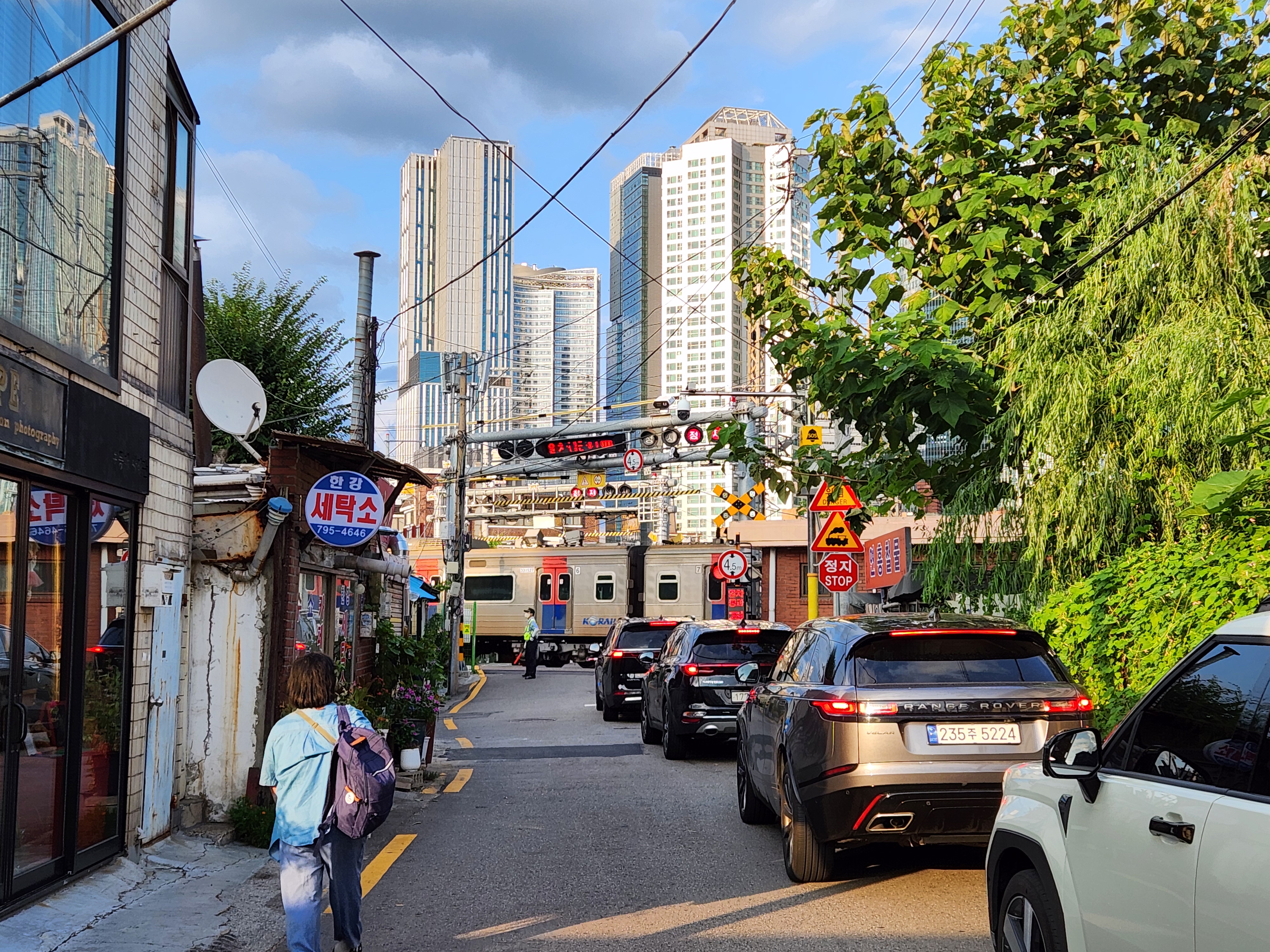
Original file: korean-desktop-wallpaper-street-681.jpg
Back to the photo
About this photo
Photographed at Ichon-ro 29-gil, Hangangno-dong, Seoul in August 2025
Ichon-ro 29-gil in Hangangno-dong, Seoul, shows busy street life in a narrow alley set against the towering skyline of the apartment complexes beyond. A pedestrian carrying a blue backpack walks along the left side of the alley past aging storefronts with Korean signage for local services and restaurants. Parked vehicles, including several SUVs, crowd the narrow roadway, and overhead wires crisscross above. A lush green willow tree cascades down on the right side, its branches framing the white apartment towers that rise behind the low rooftops. A yellow railroad crossing sign suggests a rail line runs nearby, adding another layer to the neighborhood's mix of rail, road, and housing. The late-summer afternoon light is warm and even, revealing the textures of corrugated metal, stucco walls, and satellite dishes in this pocket of older Seoul. Daily commerce continues beneath the shadow of redevelopment, and the old low buildings sit directly below the new towers.
Setting it as your wallpaper
On a phone, open the saved photo in your gallery or Photos app and choose the wallpaper option from the share or more menu.
On a computer, open the desktop background settings and pick the downloaded file.
Personal use
The photo is free to use as a wallpaper on your own devices. Selling, redistributing or using it in commercial work is not allowed. Terms of use