Your download is almost ready
Download starts in 5 s.
If the download does not start, use the button below.
Download now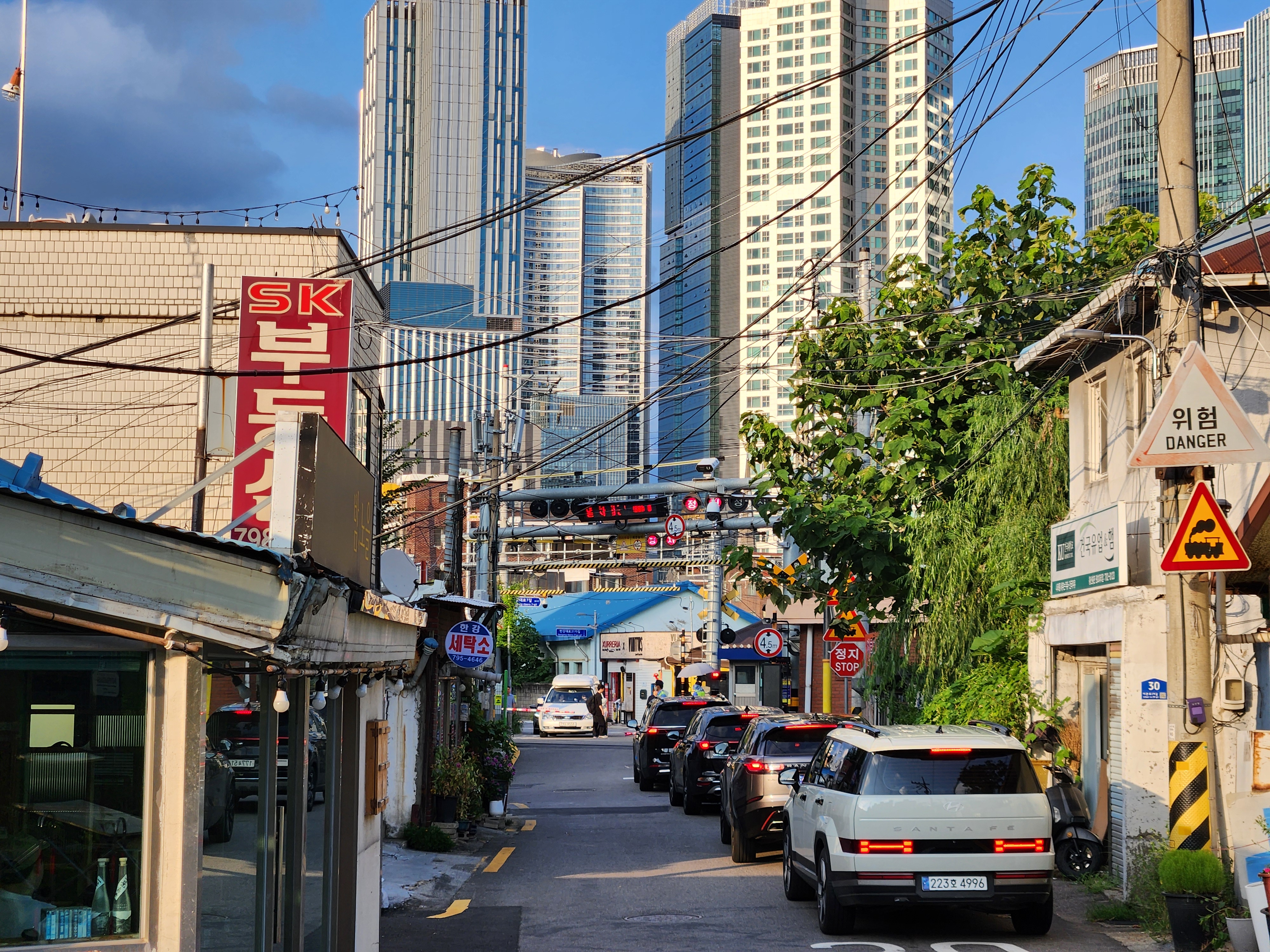
Original file: korean-desktop-wallpaper-street-680.jpg
Back to the photo
About this photo
Photographed at Ichon-ro 29-gil, Hangangno-dong, Seoul in August 2025
A narrow back alley along Ichon-ro 29-gil in Hangangno-dong, Seoul, reveals the striking visual contrast between old and new urban Korea. Low-rise shops and residential buildings with weathered signage and exposed utility cables line both sides of the street, where parked cars fill nearly every available space. An SK hardware store sign in bold red hangs prominently on the left, while a yellow traffic warning sign peeks out on the right. Beyond and above this streetscape, a cluster of gleaming modern high-rise towers soars into a clear late-August sky, their glass and concrete facades catching the afternoon sun. The juxtaposition creates a classic Seoul composition: a neighborhood frozen in an earlier decade, bookended by the vertical ambitions of contemporary development. The warm summer light bathes the scene in a golden tone that softens the visual tension between the scales of architecture present in a single frame.
Setting it as your wallpaper
On a phone, open the saved photo in your gallery or Photos app and choose the wallpaper option from the share or more menu.
On a computer, open the desktop background settings and pick the downloaded file.
Personal use
The photo is free to use as a wallpaper on your own devices. Selling, redistributing or using it in commercial work is not allowed. Terms of use