Your download is almost ready
Download starts in 5 s.
If the download does not start, use the button below.
Download now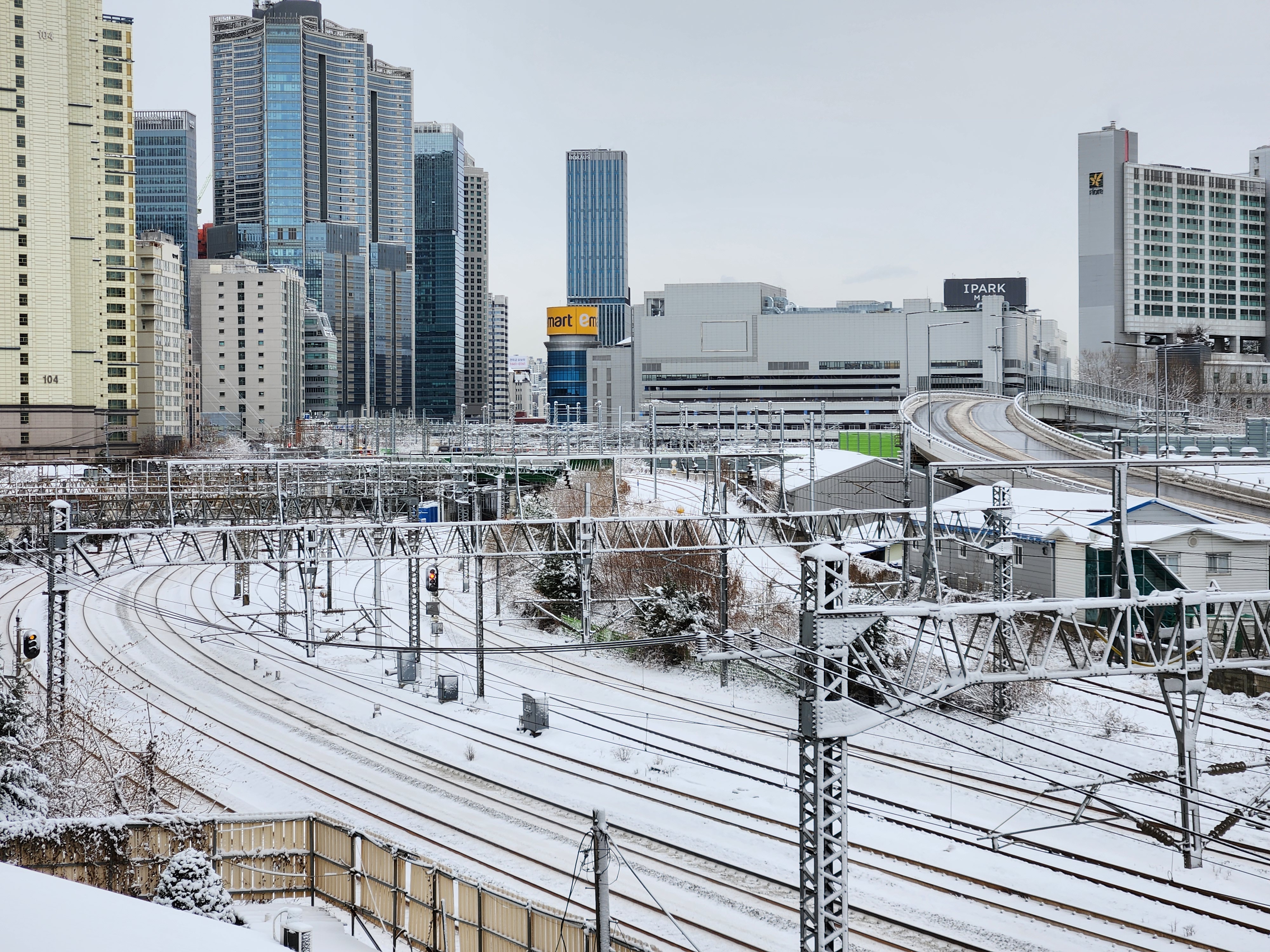
Original file: korean-desktop-wallpaper-street-453.jpg
Back to the photo
About this photo
Photographed at Baekbeom-ro 99-gil, Hangangno-dong, Seoul in February 2024
Snow-covered steps descend through a steep residential alley near Baekbeom-ro 99-gil in Seoul's Hangangno-dong, the white accumulation softening the hard edges of concrete walls and metal railings. The narrow passageway between apartment buildings captures the intimate scale of Seoul's hillside neighborhoods, where residents navigate vertiginous staircases as part of their daily commute. Fresh snowfall has rendered the usually gritty urban textures into a pristine white canvas, with only a single set of footprints breaking the surface. In the distance, taller buildings emerge through the snowfall haze, their upper floors dissolving into the gray-white sky. This is the Seoul that exists between the postcard views, a city of steep gradients and resilient neighborhoods that reveal their stark beauty most clearly in winter snow.
Setting it as your wallpaper
On a phone, open the saved photo in your gallery or Photos app and choose the wallpaper option from the share or more menu.
On a computer, open the desktop background settings and pick the downloaded file.
Personal use
The photo is free to use as a wallpaper on your own devices. Selling, redistributing or using it in commercial work is not allowed. Terms of use