Your download is almost ready
Download starts in 5 s.
If the download does not start, use the button below.
Download now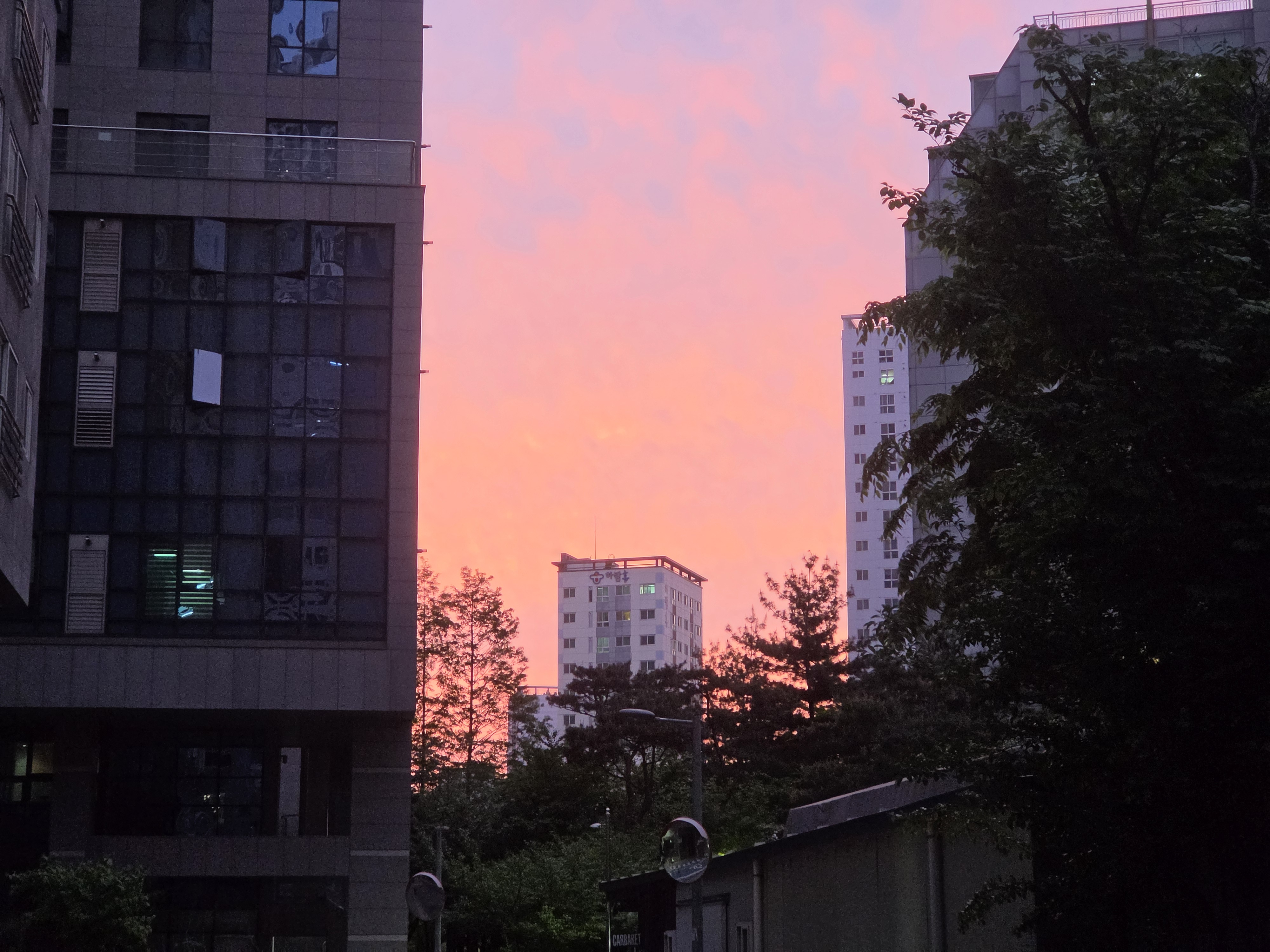
Original file: korean-desktop-wallpaper-sunset-1492.jpg
Back to the photo
About this photo
Photographed at Yongsan-gu, Seoul in April 2026
A quiet spring evening unfolds in Yongsan-gu, Seoul, South Korea, on April 29, 2026. Soft dusk light fills the sky, and a glowing pink sunset shines between residential apartment buildings and green trees. The neighborhood is peaceful, away from the busier parts of the city. The vertical framing emphasizes the soft colors of the spring twilight rising above the residential structures, and the warm tones of a Seoul sunset spread across the open sky above the rooftops. The photograph shows a residential area of Seoul in spring, and the sky takes up the upper part of the frame.
Setting it as your wallpaper
On a phone, open the saved photo in your gallery or Photos app and choose the wallpaper option from the share or more menu.
On a computer, open the desktop background settings and pick the downloaded file.
Personal use
The photo is free to use as a wallpaper on your own devices. Selling, redistributing or using it in commercial work is not allowed. Terms of use