Your download is almost ready
Download starts in 5 s.
If the download does not start, use the button below.
Download now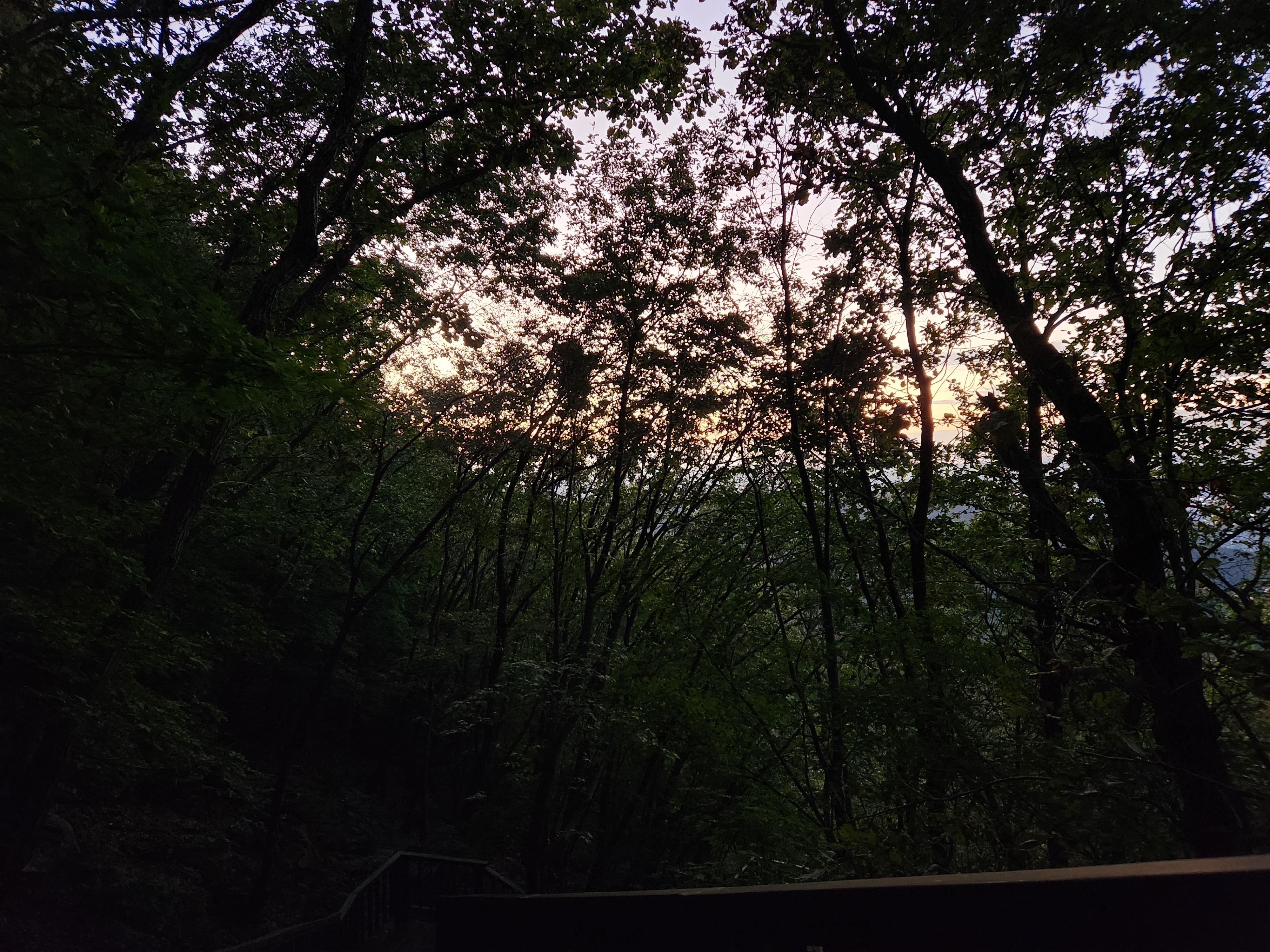
Original file: korean-desktop-wallpaper-mountain-738.jpg
Back to the photo
About this photo
Photographed at Daehak-dong, Seoul in October 2025
Dense forest canopy fills the frame as the last rays of sunset filter through the silhouetted branches and leaves of the trees along a mountain trail in Daehak-dong, near Seoul National University. The scene is almost entirely composed of dark, shadowy tree trunks and intertwining branches that create a natural lattice against the glowing sky beyond. A warm, golden-white light breaks through the gaps in the foliage, creating a luminous backdrop that hints at the setting sun just beyond the tree line. The lower portion of the image is plunged into deep shadow, suggesting a wooded path descending through the undergrowth. The overall mood is one of quiet solitude and the meditative calm that comes with walking through Korean mountain forests at twilight. This intimate forest perspective captures the transition between daylight and darkness in a way that feels both peaceful and slightly mysterious.
Setting it as your wallpaper
On a phone, open the saved photo in your gallery or Photos app and choose the wallpaper option from the share or more menu.
On a computer, open the desktop background settings and pick the downloaded file.
Personal use
The photo is free to use as a wallpaper on your own devices. Selling, redistributing or using it in commercial work is not allowed. Terms of use