Your download is almost ready
Download starts in 5 s.
If the download does not start, use the button below.
Download now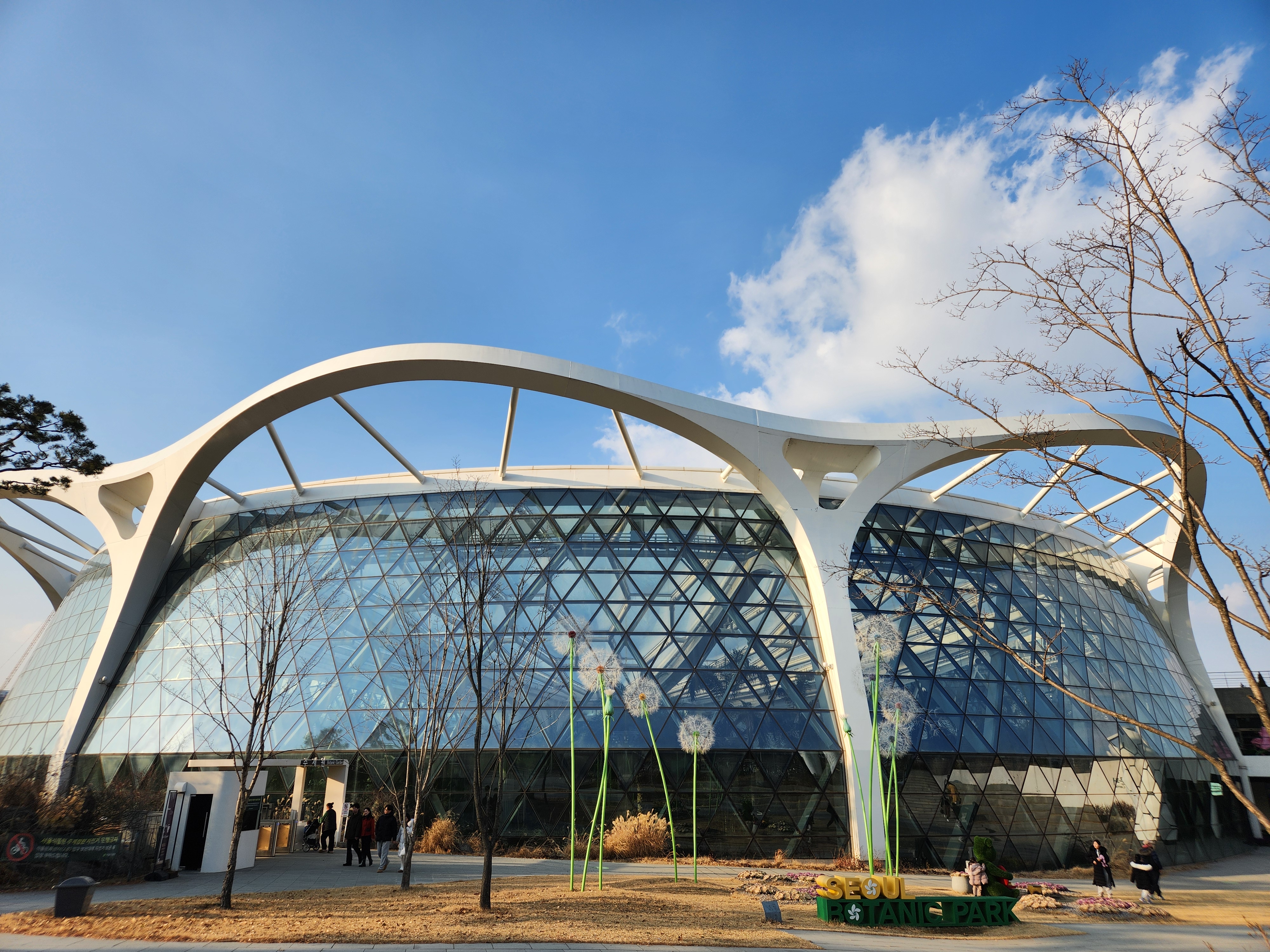
Original file: korean-desktop-wallpaper-architecture-568.jpg
Back to the photo
About this photo
Photographed at Magokdong-ro, Seoul in January 2025
New Year's Day afternoon in Seoul's Magok district presents the area's contemporary architecture under the thin, high light of a January sky. Magokdong-ro cuts through what was farmland and marshland along the Han River's southern tributaries until the district's development began in the 2010s, and the architecture retains that sense of deliberate, large-scale planning - wide setbacks, consistent facade materials, and generous sidewalks lined with young trees not yet mature enough to soften the hard edges. The winter light is cool and directionless, bouncing between glass surfaces and creating subtle reflections that give depth to the otherwise flat facades. LG Science Park and other corporate campuses anchor the district's identity as Seoul's technology corridor, their sleek forms a conscious departure from the dense, organic urbanism of the city's older neighborhoods. The streets are notably quiet for a holiday afternoon, the district's working-day population having stayed home.
Setting it as your wallpaper
On a phone, open the saved photo in your gallery or Photos app and choose the wallpaper option from the share or more menu.
On a computer, open the desktop background settings and pick the downloaded file.
Personal use
The photo is free to use as a wallpaper on your own devices. Selling, redistributing or using it in commercial work is not allowed. Terms of use