Your download is almost ready
Download starts in 5 s.
If the download does not start, use the button below.
Download now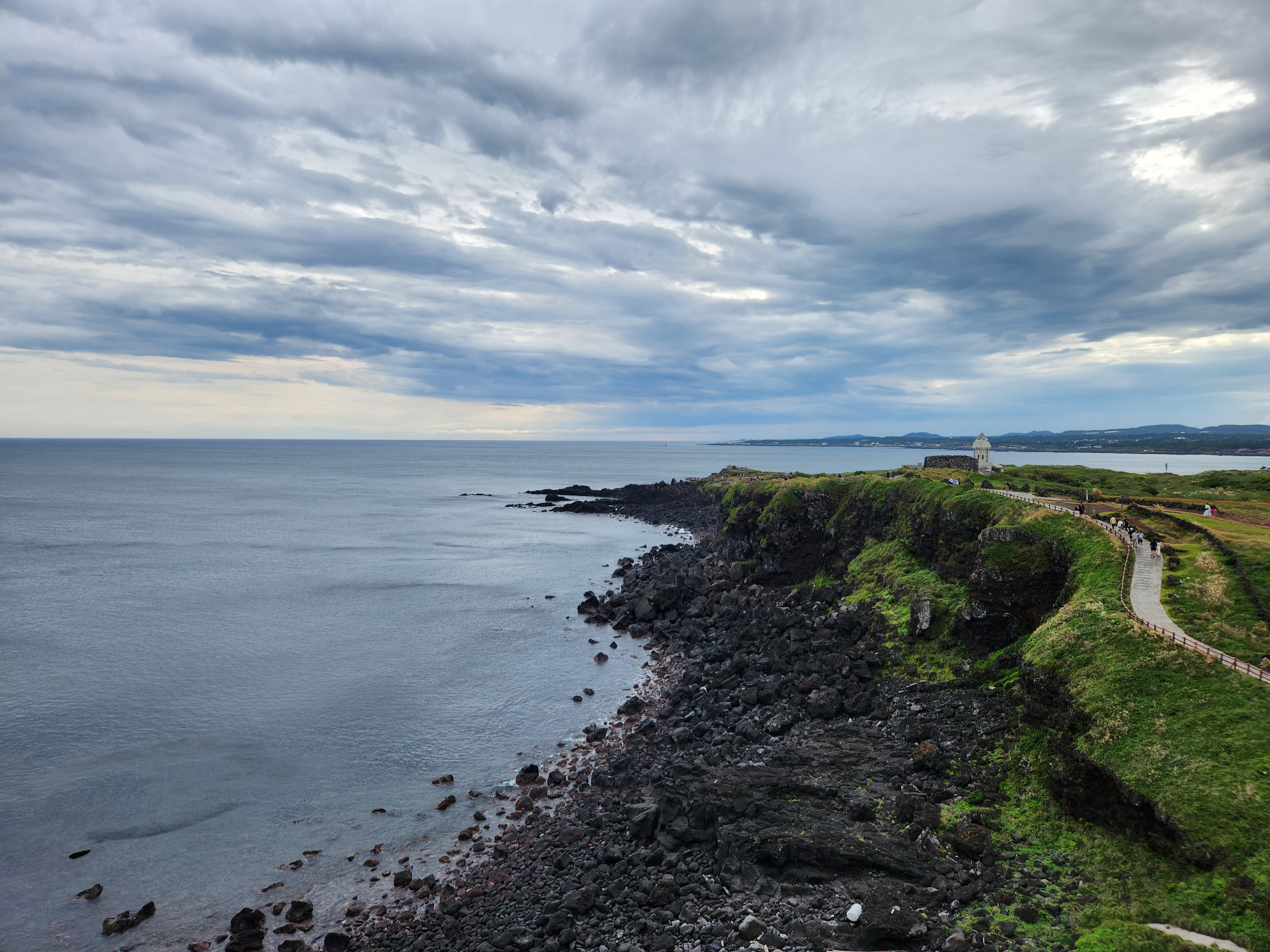
Original file: korean-desktop-wallpaper-sea-759.jpg
Back to the photo
About this photo
Photographed at Goseong-ri, Seogwipo-si in October 2025
A panoramic coastal view from the volcanic hills of Goseong-ri stretches along Jeju Island's southeastern shoreline. The green, grassy cliffs drop down to a rocky basalt coastline where dark volcanic rocks meet the calm gray-blue ocean. A walking trail with a stone monument or marker winds along the cliff edge in the middle distance, while further along the coast, a small church or chapel-like structure with a distinctive peaked roof sits on a grassy promontory overlooking the sea. The coastline extends into the distance, revealing layer after layer of green headlands and rocky shores that characterize this part of Jeju. The sky is filled with a complex layered pattern of gray clouds with occasional breaks of lighter sky near the horizon. The vast ocean occupies the left half of the frame, its surface calm and silvery under the overcast conditions. This elevated coastal perspective showcases the gentle, rolling terrain of Jeju's volcanic hills as they meet the sea, a landscape shaped by both fire and water over millions of years.
Setting it as your wallpaper
On a phone, open the saved photo in your gallery or Photos app and choose the wallpaper option from the share or more menu.
On a computer, open the desktop background settings and pick the downloaded file.
Personal use
The photo is free to use as a wallpaper on your own devices. Selling, redistributing or using it in commercial work is not allowed. Terms of use