Your download is almost ready
Download starts in 5 s.
If the download does not start, use the button below.
Download now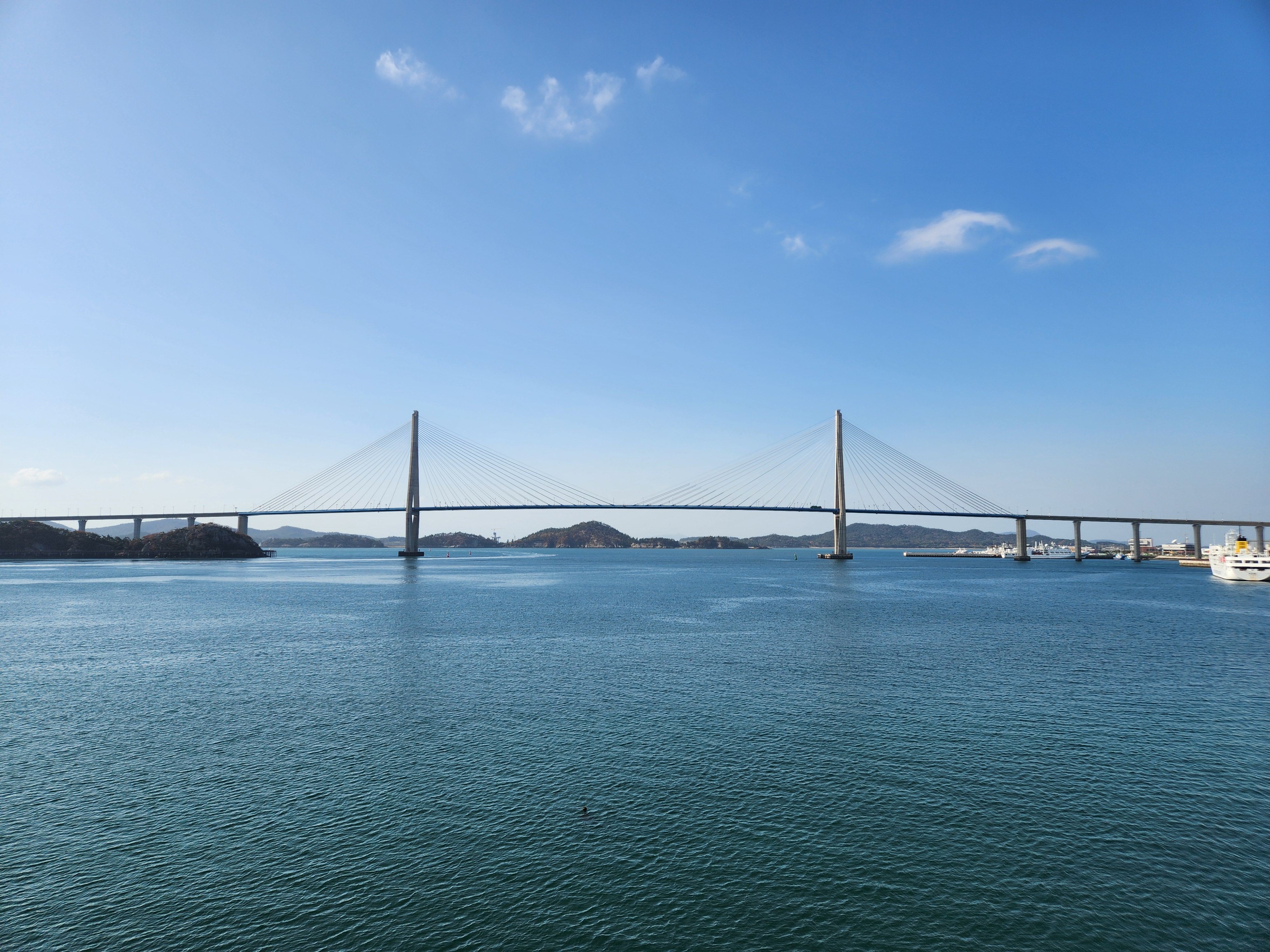
Original file: korean-desktop-wallpaper-sea-872.jpg
Back to the photo
About this photo
Photographed at Mokpo-si, Jeollanam-do in November 2025
The Mokpo cable-stayed bridge extends across a wide expanse of teal-green harbor water, with the approach viaduct stretching toward the right where port facilities and a docked ferry are visible. The bridge's single main pylon rises prominently near the center of the frame, its concrete tower tapering upward with cables radiating downward to support the long deck on either side. The sea surface shows gentle rippled texture with subtle current patterns, its color moving from darker blue-green in the foreground to lighter tones near the distant shore. Several forested islands dot the mid-ground, their rounded forms partially hiding the far coastline where industrial and port structures can be glimpsed. White cumulus clouds drift across a blue sky, their soft forms echoed in faint reflections on the calm water below. The view shows the sweeping length of the bridge and the interconnected islands, channels, and peninsulas of Korea's southwestern maritime landscape near the harbor.
Setting it as your wallpaper
On a phone, open the saved photo in your gallery or Photos app and choose the wallpaper option from the share or more menu.
On a computer, open the desktop background settings and pick the downloaded file.
Personal use
The photo is free to use as a wallpaper on your own devices. Selling, redistributing or using it in commercial work is not allowed. Terms of use