Your download is almost ready
Download starts in 5 s.
If the download does not start, use the button below.
Download now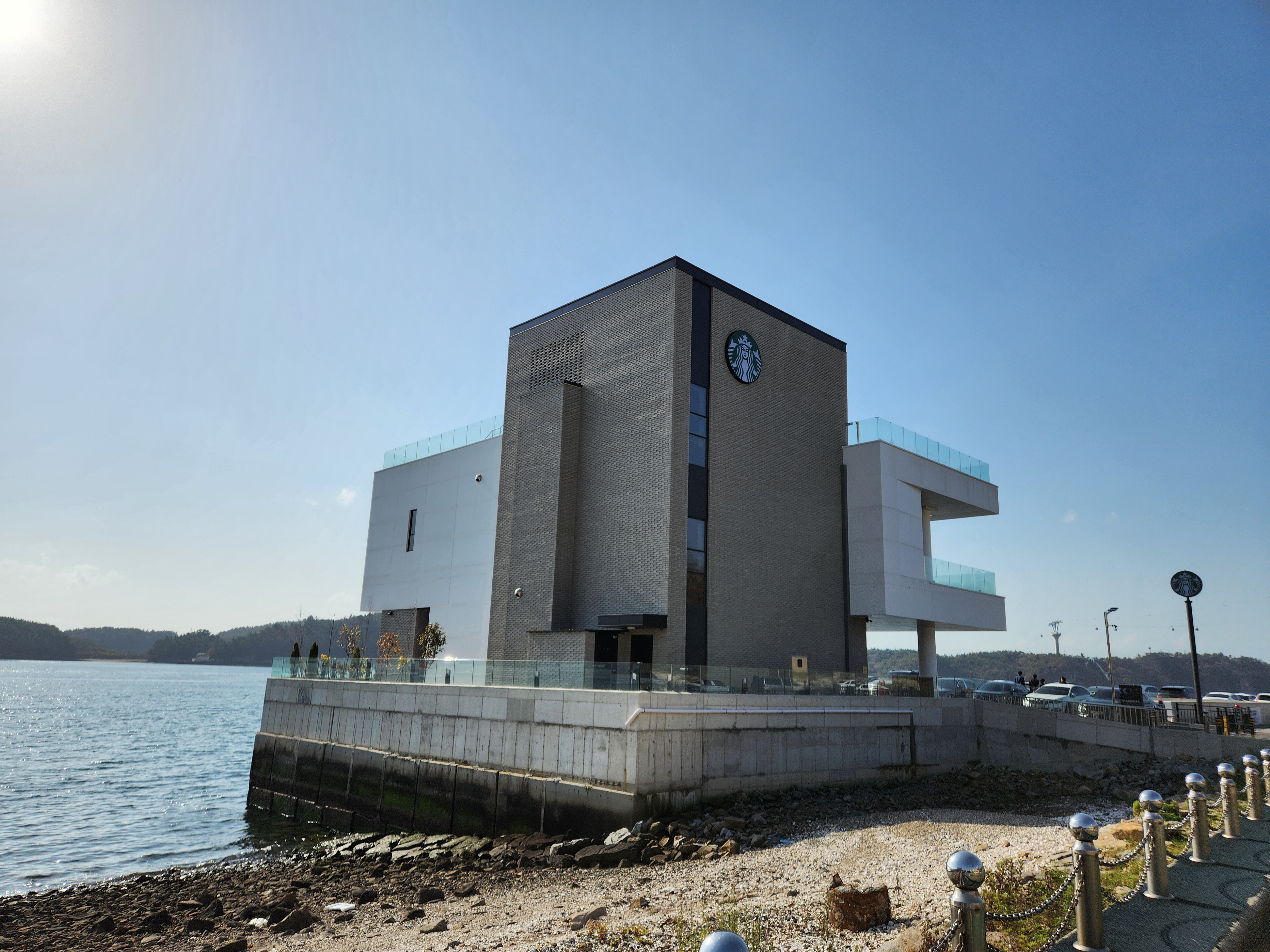
Original file: korean-desktop-wallpaper-sea-866.jpg
Back to the photo
About this photo
Photographed at Mokpo-si, Jeollanam-do in November 2025
A striking modern Starbucks building perches at the edge of the waterfront in Mokpo-si, its bold geometric form combining dark gray brick volumes with white cantilevered wings that extend outward over the rocky shoreline. The building's tall central tower bears the iconic green Starbucks siren logo, while glass railings around the outdoor terraces offer unobstructed views across the calm harbor waters. Sunlight glints off the glassy sea surface to the left, creating a silver shimmer that contrasts with the matte solidity of the architecture. The shoreline in the foreground is lined with natural rocks and a concrete seawall, while metal bollards along a waterfront promenade lead toward the entrance. In the background, forested hills with touches of autumn color and a parking area filled with cars establish the suburban coastal setting. This photograph showcases how contemporary commercial architecture in Korea's port cities embraces dramatic waterfront locations, turning an everyday coffee stop into a destination with panoramic ocean views.
Setting it as your wallpaper
On a phone, open the saved photo in your gallery or Photos app and choose the wallpaper option from the share or more menu.
On a computer, open the desktop background settings and pick the downloaded file.
Personal use
The photo is free to use as a wallpaper on your own devices. Selling, redistributing or using it in commercial work is not allowed. Terms of use