Your download is almost ready
Download starts in 5 s.
If the download does not start, use the button below.
Download now
Original file: korean-wallpaper-sunset-1223.jpg
Back to the photo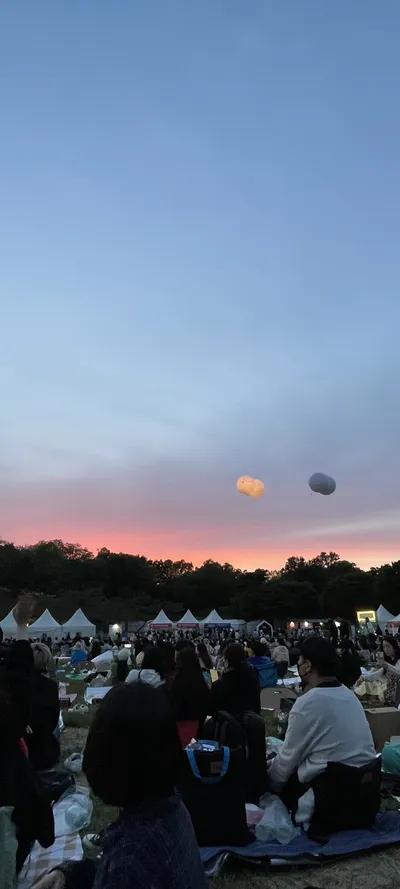
About this photo
Photographed at Seoul
A Korean sky moves through bands of gold, amber, and pale lavender as the sun descends past the frame's edge. No horizon line or landmark anchors the composition, and the whole image is atmospheric color, the kind of gradient that lasts perhaps ten minutes on a clear summer evening. Thin wisps of high-altitude cloud catch the last direct rays and add subtle texture to an otherwise smooth wash of color. The sunset is reduced to warmth and quiet finality. It could be the sky over any Korean city or countryside in the last minutes before dusk. The light fades from warm gold at the bottom of the frame to cooler tones above.
Setting it as your wallpaper
On a phone, open the saved photo in your gallery or Photos app and choose the wallpaper option from the share or more menu.
On a computer, open the desktop background settings and pick the downloaded file.
Personal use
The photo is free to use as a wallpaper on your own devices. Selling, redistributing or using it in commercial work is not allowed. Terms of use