Your download is almost ready
Download starts in 5 s.
If the download does not start, use the button below.
Download now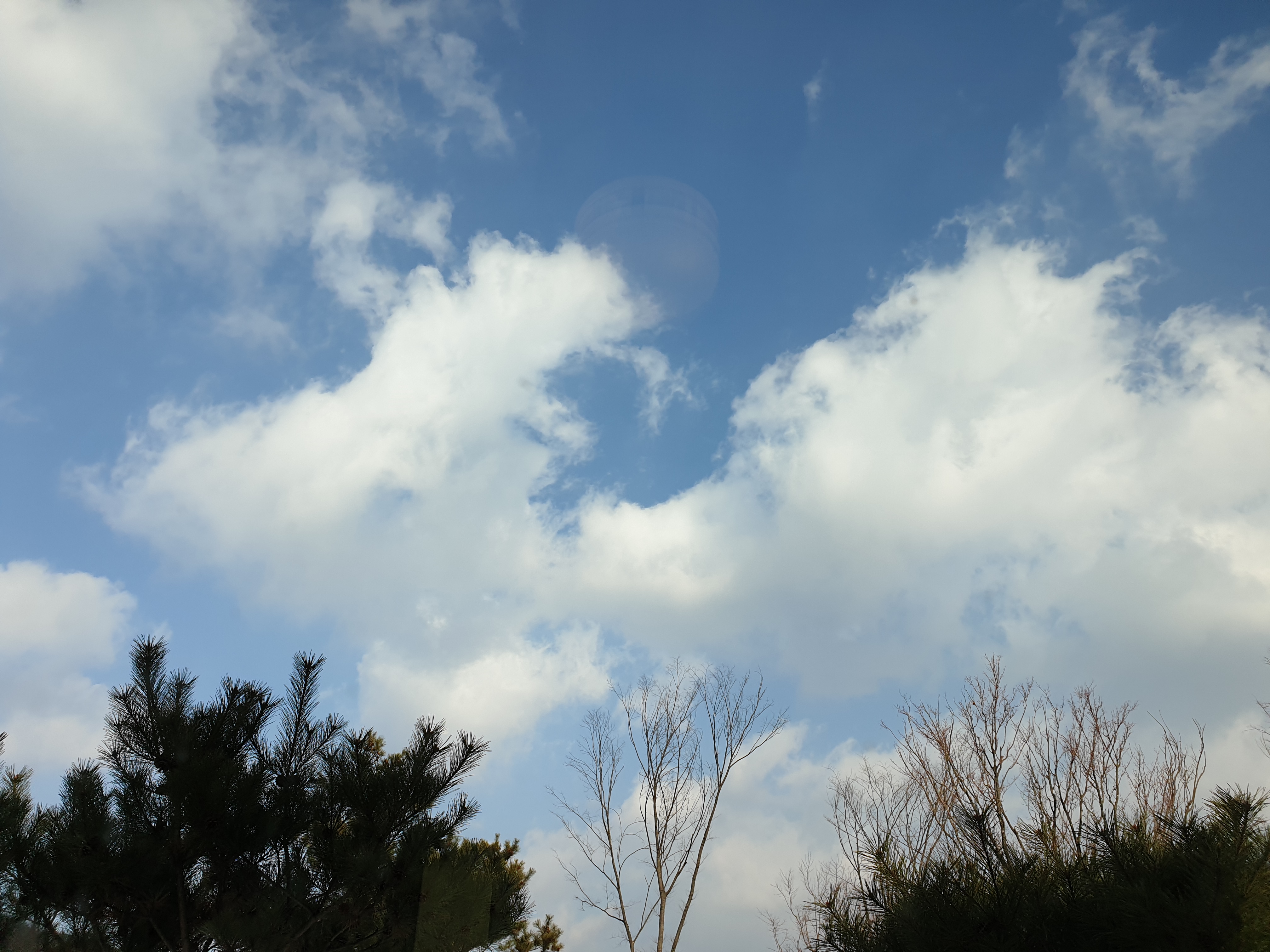
Original file: korean-desktop-wallpaper-forest-1258.jpg
Back to the photo
About this photo
Photographed in December 2020
A winter sky filled with sculptural cumulus clouds stretches above a treeline where Korean pines and bare deciduous trees create a serrated edge along the bottom of the landscape frame. The clouds billow in dramatic formations against a deep blue backdrop, their white masses catching the December sunlight from above while their undersides hold cool gray shadows that suggest depth and volume. The pine trees stand dark and evergreen on the left, their needled branches maintaining their characteristic silhouette even in the depths of winter, while bare birch or oak branches on the right create a delicate filigree of warm brown lines against the sky. A faint circular lens flare near the center hints at the sun's position just outside the frame, its winter-low trajectory responsible for the particular quality of light that makes the cloud formations so three-dimensional. The scene distills winter in Korea to its most elemental: sky, cloud, tree, and the clean cold air that makes distant edges razor-sharp.
Setting it as your wallpaper
On a phone, open the saved photo in your gallery or Photos app and choose the wallpaper option from the share or more menu.
On a computer, open the desktop background settings and pick the downloaded file.
Personal use
The photo is free to use as a wallpaper on your own devices. Selling, redistributing or using it in commercial work is not allowed. Terms of use