Your download is almost ready
Download starts in 5 s.
If the download does not start, use the button below.
Download now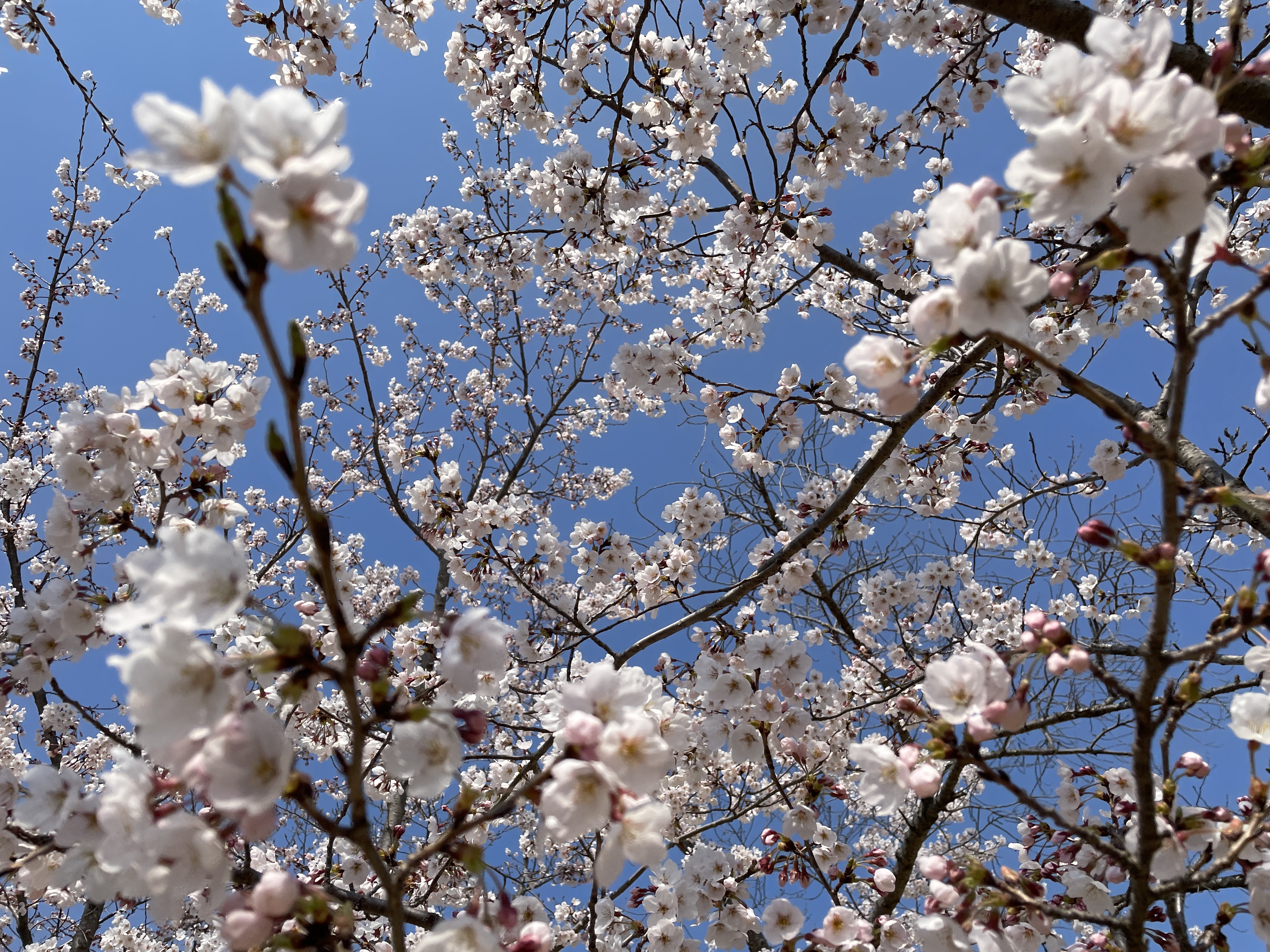
Original file: korean-desktop-wallpaper-cherry-blossom-1354.jpg
Back to the photo
About this photo
Photographed at Gyeongju-si
An intimate close-up of cherry blossom branches fills the frame with clusters of white flowers at their most perfect moment of bloom, each five-petaled blossom opened fully to reveal pale yellow stamens at the center. The branches weave through the composition in graceful diagonal lines, their dark bark providing essential contrast that keeps the abundance of white flowers from washing out. The background is a deep, saturated blue sky that makes each petal appear almost luminous by comparison. Several buds remain closed or half-opened, their pink-tinged tips adding subtle color variation to the predominantly white palette. The shallow depth of field blurs the furthest blossoms into soft white shapes, creating a sense of depth that draws the eye from the sharp foreground flowers toward the dreamy background. This is cherry blossom photography at its most direct and concentrated, celebrating the individual beauty of each flower cluster rather than the grand landscape of a blossom-covered park.
Setting it as your wallpaper
On a phone, open the saved photo in your gallery or Photos app and choose the wallpaper option from the share or more menu.
On a computer, open the desktop background settings and pick the downloaded file.
Personal use
The photo is free to use as a wallpaper on your own devices. Selling, redistributing or using it in commercial work is not allowed. Terms of use