Your download is almost ready
Download starts in 5 s.
If the download does not start, use the button below.
Download now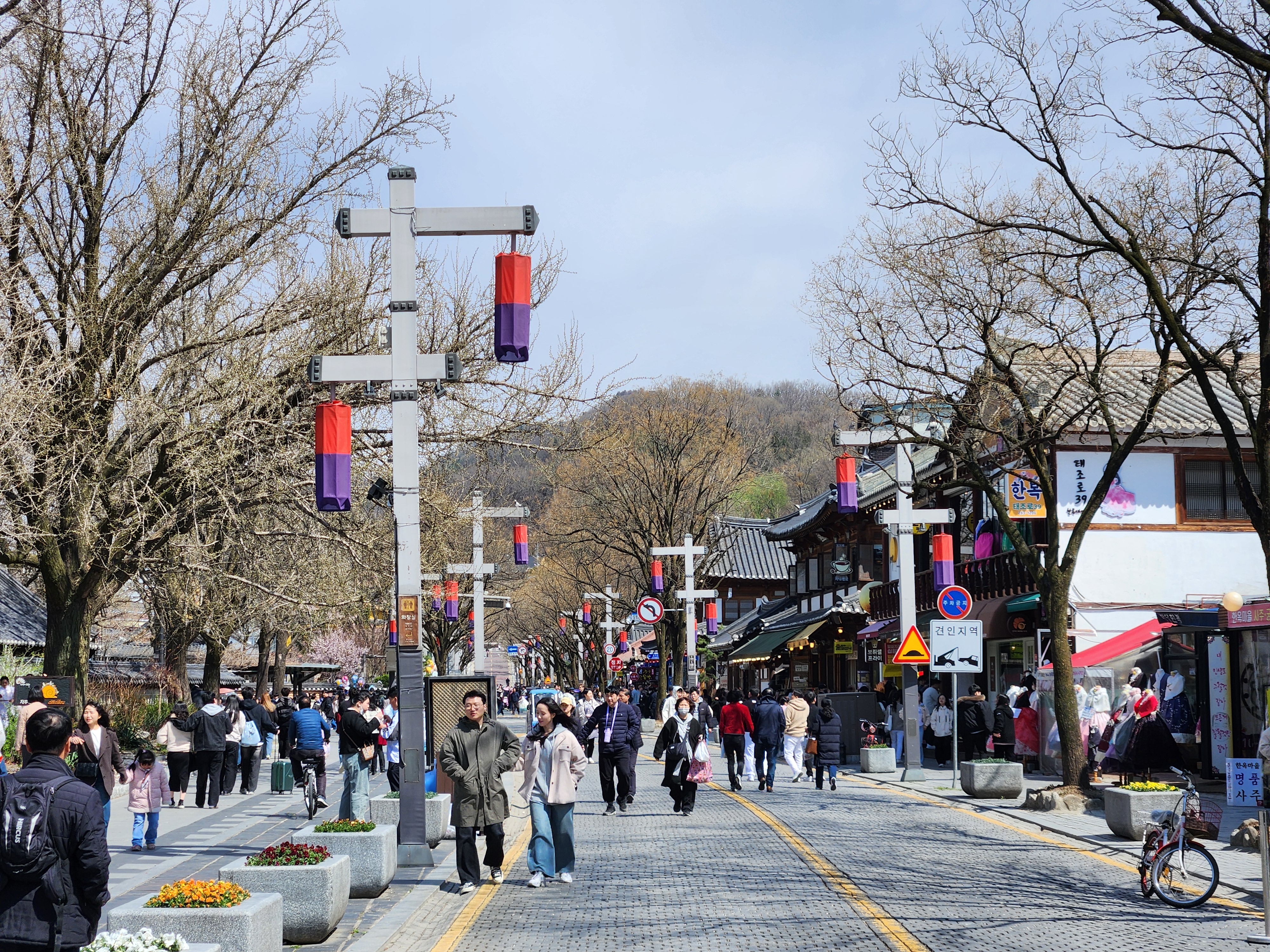
Original file: korean-desktop-wallpaper-street-582.jpg
Back to the photo
About this photo
Photographed at Taejo-ro, Jeon-dong, Jeonju-si in March 2025
A narrow hanok alley branching off Taejo-ro in Jeonju's Jeon-dong quarter compresses traditional architecture into an intimate corridor where opposing eaves nearly touch overhead, creating a natural tunnel effect that draws the eye deep into the frame. The walls are a patchwork of original stone foundations and replastered surfaces, their textures ranging from rough-hewn granite blocks at the base to smooth clay finishes higher up, documenting layers of maintenance spanning decades. Wooden rain gutters channel the last of the morning drizzle in thin streams that darken the stone pavement below in narrow wet lines. A single potted plant placed on a window ledge introduces the only spot of green in an otherwise monochromatic composition of gray stone, dark wood, and cream-colored plaster. The perspective convergence of the alley walls creates a strong sense of depth despite the scene's compact physical scale, a quality that translates particularly well to the vertical format of a phone screen.
Setting it as your wallpaper
On a phone, open the saved photo in your gallery or Photos app and choose the wallpaper option from the share or more menu.
On a computer, open the desktop background settings and pick the downloaded file.
Personal use
The photo is free to use as a wallpaper on your own devices. Selling, redistributing or using it in commercial work is not allowed. Terms of use