Your download is almost ready
Download starts in 5 s.
If the download does not start, use the button below.
Download now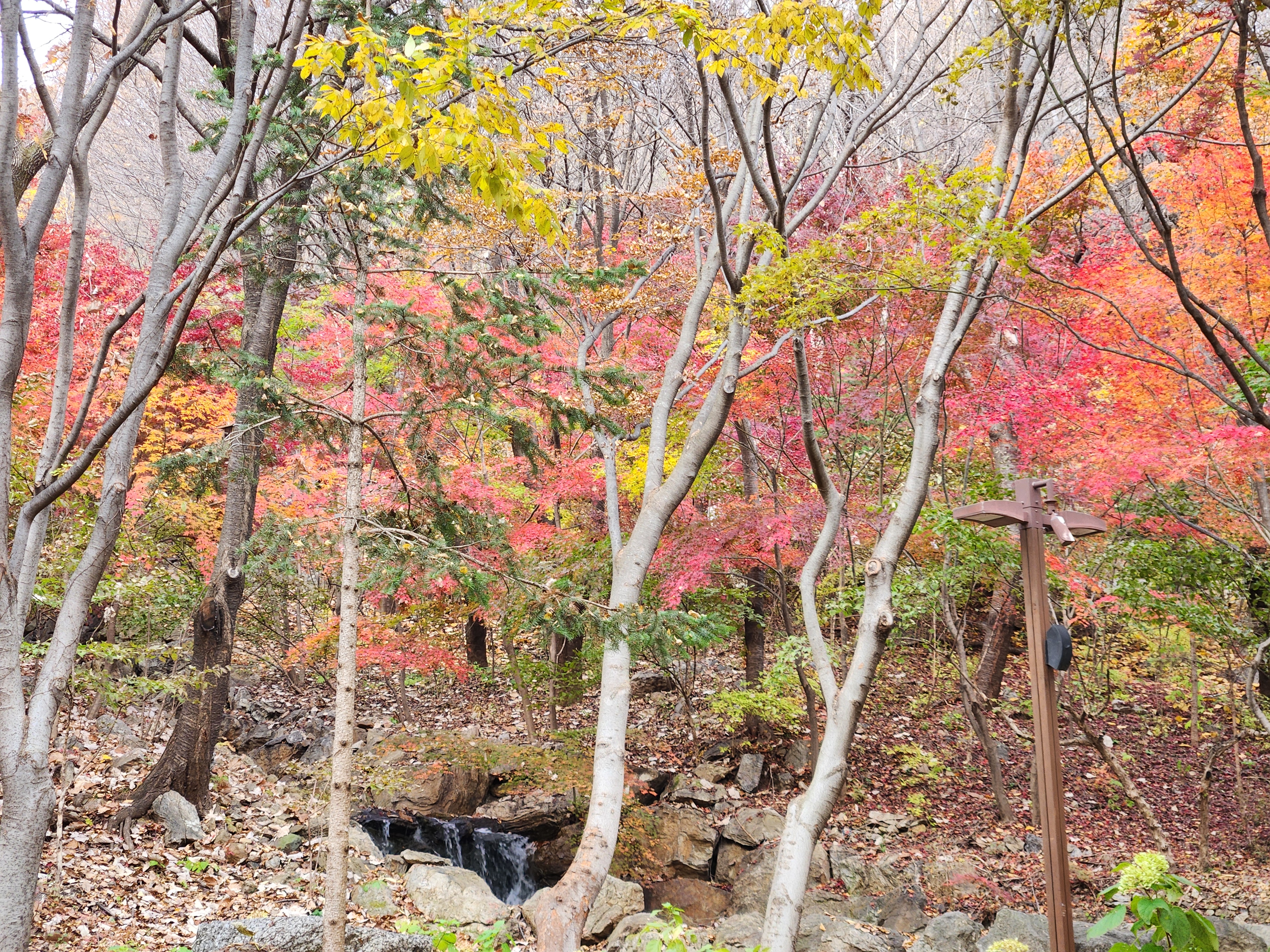
Original file: korean-desktop-wallpaper-nature-812.jpg
Back to the photo
About this photo
Photographed at Gwangju-si, Gyeonggi-do in November 2025
Slender pale tree trunks stand like columns in a forest gallery at Hwadam Forest, their smooth bark creating elegant vertical lines against a backdrop of intensely colored autumn foliage. The mid-ground is dominated by brilliant coral-pink and scarlet maple leaves that glow with saturated warmth, while lime-green and yellow leaves in the upper canopy add brightness and contrast. A small rocky stream bed with a gentle cascade of water is visible at the base of the composition, surrounded by moss-covered stones and a carpet of fallen leaves in various shades of brown and gold. A wooden trail marker post stands among the trees on the right side, indicating the well-marked hiking paths that wind through this section of the forest. The interplay between the ghostly pale trunks and the vivid foliage behind them creates a layered, almost theatrical quality to the scene. This intimate forest view captures the quiet drama of peak autumn at Hwadam, where every glance reveals another layer of color and texture.
Setting it as your wallpaper
On a phone, open the saved photo in your gallery or Photos app and choose the wallpaper option from the share or more menu.
On a computer, open the desktop background settings and pick the downloaded file.
Personal use
The photo is free to use as a wallpaper on your own devices. Selling, redistributing or using it in commercial work is not allowed. Terms of use