Your download is almost ready
Download starts in 5 s.
If the download does not start, use the button below.
Download now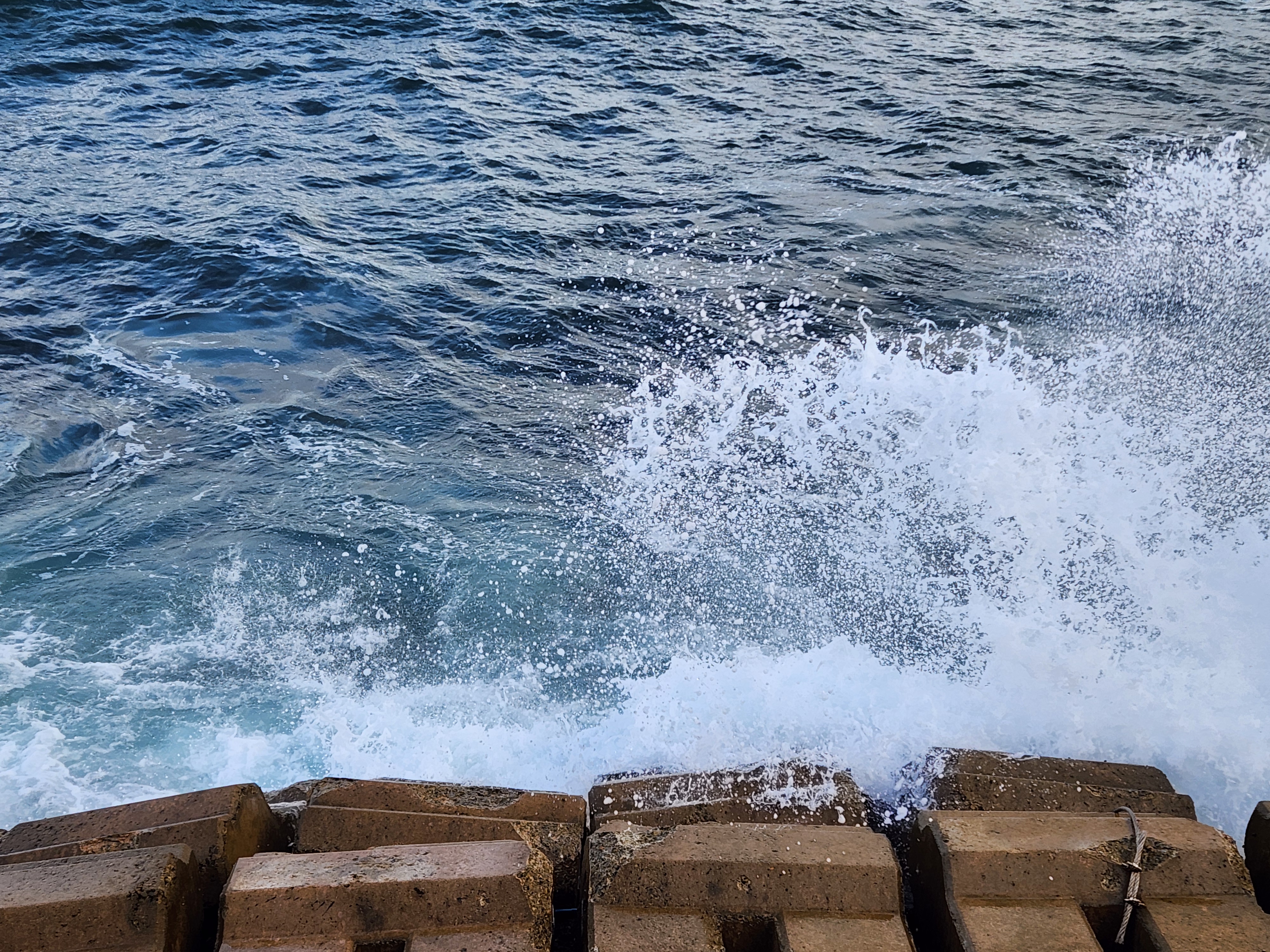
Original file: korean-desktop-wallpaper-sea-693.jpg
Back to the photo
About this photo
Photographed at Ilchul-ro, Mukho-dong, Donghae-si in September 2025
Powerful East Sea waves crash against a concrete tetrapod breakwater along Ilchul-ro in Mukho-dong, Donghae-si, sending white spray erupting upward in a frozen moment of kinetic energy. The tetrapods, massive interlocking concrete blocks designed to absorb wave force, are arranged in a row along the water's edge, their geometric forms already darkened and weathered by years of salt exposure. The sea beyond is a deep teal-blue with choppy surface texture, its agitation visible in the white foam patterns that swirl between the tetrapods. The wave impact captures the raw power of the East Sea's surf, with droplets suspended in mid-air and sheets of water cascading over the concrete forms. The close framing eliminates sky and horizon, creating an intimate, almost abstract study of water meeting engineered stone. This detail shot strips away the scenic panorama to focus on the physical confrontation between ocean and coast that defines daily life in Korea's eastern port towns.
Setting it as your wallpaper
On a phone, open the saved photo in your gallery or Photos app and choose the wallpaper option from the share or more menu.
On a computer, open the desktop background settings and pick the downloaded file.
Personal use
The photo is free to use as a wallpaper on your own devices. Selling, redistributing or using it in commercial work is not allowed. Terms of use